PDF to Excel Free
Convert PDF to Excel spreadsheet, keeping all contents while saving your time retyping and reformatting.

Features
Convert PDF to Excel Worksheets
PDF to Excel Free is able to convert PDF files into Excel spreadsheets thus you can recreate fully editable tables by simple conversion instead of manual retyping to make it easy to manipulate the data with Microsoft Excel. Now go enjoy your life and leave all complicated conversion stuff to PDF to Excel Free.
Optimal Excel Quality with Layout Preserved
It converts even the most complex PDF to Excel. You can control the output quality for results that perfectly meet your needs. You can choose the page range, specify single or multiple sheet output, change indent settings, etc. It accurately maintains the original layout, text, images, hyperlinks, paragraphs, rows, columns, headers, footers, watermark, etc.
Batch PDF to Excel Conversion with Superb Speed
PDF to Excel Free brings you efficiency! It can handle up to 500 PDF pages per minute while having the ability to convert as many PDF files in a short while without delay, even the longest files and batch directories.
"A clean and easy-to-use interface with clear functions is what we get at first glance. During the testing, PDF to Excel Free can accurately convert PDF to Excel worksheet with super-fast speed and excellent quality."
PDF to Excel Free
Completely free. No limitations, no sign-up · Safe with No Malware · Runs on Windows XP-10
More Features
Better than Online Conversion
Most online conversions come with slow speed and poor output quality. PDF to Excel Free is equipped with proprietary PDF conversion algorithm to deliver high quality conversions.
Define Selected Pages to Convert
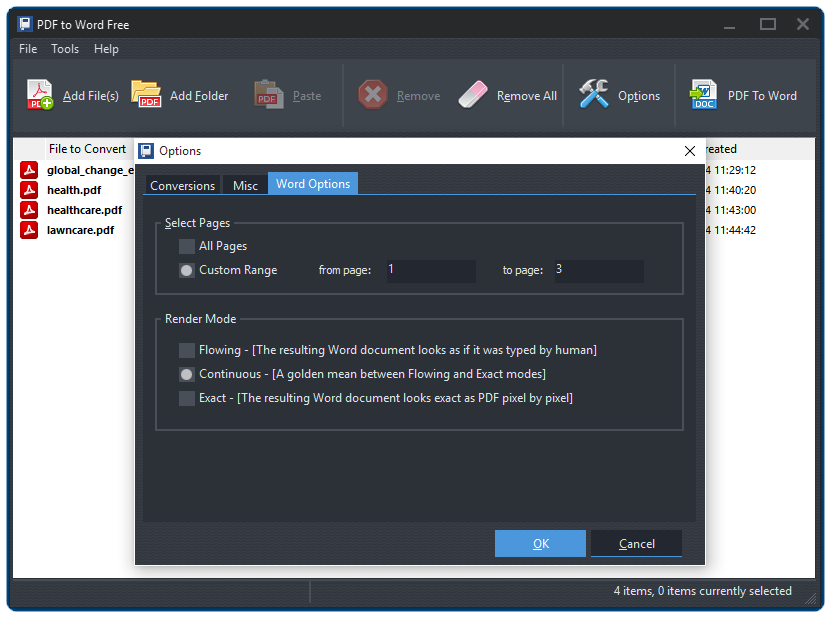
You don't have to convert a PDF file with 1000+ pages – just pick out those pages you need. PDF to Excel Free allows you to define the page range to convert.
Easy as 1-2-3 Conversion
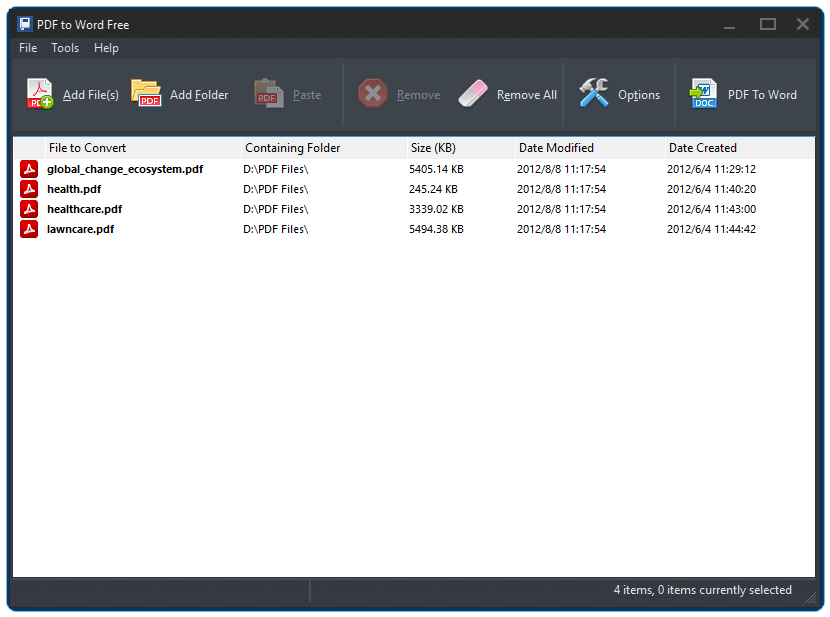
Our PDF to Excel converter software simplifies the PDF to Excel conversion procedure. You just input as many as PDF files you want, set the options and hit Convert! Nothing complicated.
No Need of Adobe Acrobat or Microsoft Excel
With Free PDF to Excel Free even if you don't purchase or install Adobe Acrobat or any other third party PDF software, you can still export PDF document to Microsoft Excel with just a couple of clicks.
100% Free to Use
PDF to Excel Free is completely FREE to use with no strings attached. You won't have to invest in a commercial software package or hire others to do the retyping/reformatting job.
Screenshots